CS12 Day Seven
Image Work
- File Formats
- Optimization
- Graphic Text
- Simple Logos
Daily Objective
Participants will be able to:
- Optimize images for the web.
- Describe the difference between vector and bitmap/raster formats.
- Utilize graphic tools in an efficient manner.
- Work with text in a graphics program.
- Use simple shapes in logo design.
Presentation:
Instructor Led Project: Files Needed
Optimize ME| Me Too | Bitmap Work | Logo Copy | Logo Copy 2

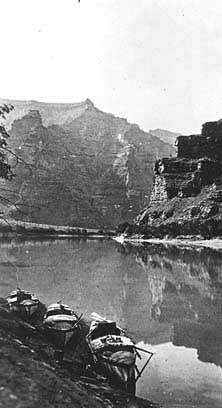
Participant Project: Lab 7 Requirements
Images:
- All images optimized
- Most appropriate format selected - gif, jpg, png.
- Optimized images balance quality and file size.
Logos:
- Create 1-2 sketches of a simple, logo for the following sites:
- Portfolio site
- Vacation site
- Personal project
Resources
- Image Formats: http://www.yourhtmlsource.com/images/fileformats.html
- FW Image Optimization: projectseven.com/tutorials/images/fw_optimize/index.htm
- Design Tips, Basic Shapes: http://www.atpm.com/9.11/design.shtml
- Logo Basics: http://desktoppub.about.com/od/logos/ss/logobasics.htm
- Dingbats(font) in logos: http://desktoppub.about.com/od/editgraphics/ss/dingbats.htm
Assignment(s): Next Class @ 5:00pm
- Complete Lab 7 Requirement
Bonus
- Free Photo Organizer and Editor: http://picasa.google.com/